Design
Apr 04, 2026
What Makes a Layout Look Professional Before You Even Read It
The perception of professionalism in design isn't subjective.
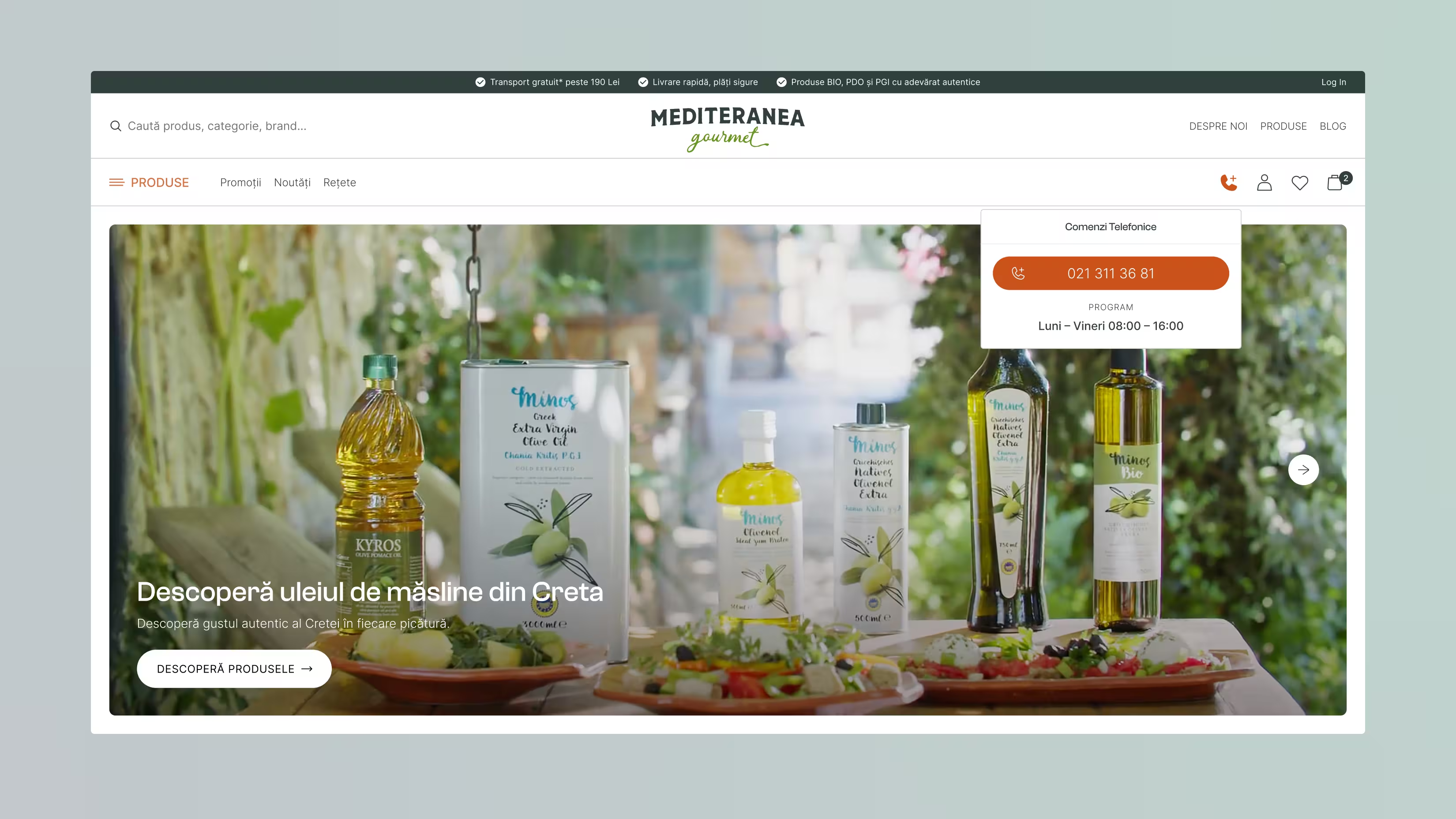
There is a specific moment when you open a document, a page or a presentation and you know, before reading a single word, that it was made by someone who knows what they are doing. This recognition happens in milliseconds and is entirely based on visual signals.
Professionalism in design is not subjective taste. It is a set of measurable, learnable and reproducible principles that consistently produce the same response in observers from different backgrounds and contexts.
50ms
That is all it takes to form a first impression of a website. The brain processes visual information 60,000 times faster than text. 1
94%
of first impressions relating to website rejection are design-related, not content-related. 2
46%
of users evaluate a website's credibility based primarily on its visual design. 3
1. White space, the most underestimated element
Amateurs fill. Professionals breathe.
White space (or negative space) is not empty space, it is an active design decision. It directs attention, creates visual rhythm and signals confidence. A layout that fears emptiness communicates anxiety. A layout that embraces it communicates control.
The practical rule: if you feel the urge to add something, resist it. Instead, increase the spacing between existing elements by 20–30%. In most cases, the composition immediately improves.
2. Visual hierarchy, the greyscale test
A professional layout communicates its structure even when stripped of colour. Remove the colour from any page: if the hierarchy is not immediately clear, what is primary, what is secondary, what is tertiary, the layout has a hierarchy problem.
Visual hierarchy is built through three variables:
Size: Larger = more important. But the difference must be significant, a 2px variation creates visual noise, not hierarchy.
Weight: Bold communicates importance. But a page with 80% bold text communicates nothing, it cancels itself out.
Contrast: A dark element on a light background draws the eye instantly, without requiring any additional decoration.
3. Alignment, the invisible grid
Every element in a professional layout is aligned to something. There are no "approximately centred" or "roughly left-aligned" elements. Alignment is binary: either precise or not.
The most common mistake: aligning elements optically (by eye) rather than mathematically (by grid). The eye compensates for optical illusions, which means what looks centred is actually off by several pixels. A grid eliminates subjectivity.
4. Typography, the element that reveals experience
Font choice is the first signal. But far more revealing than the font itself is how it is used:
Line length (measure): 45–75 characters per line is the comfortable reading range. Longer lines fatigue the eye. Shorter lines break rhythm.
Line height (leading): 1.4–1.6x the font size for body text. Too tight = claustrophobic. Too loose = disconnected.
Number of type styles: Maximum 2–3 per document. Every additional style requires cognitive work from the reader to decode what it means.
5. Visual rhythm, the element you feel, not see
Rhythm in design is the consistent repetition of a pattern: spacing, scale, proportion. A layout has good rhythm when scrolling through it feels fluid, there are no jarring transitions, no sections that feel "heavier" or "lighter" without reason.
The practical test: take screenshots of consecutive sections and line them up side by side. If the visual weight shifts erratically, more text here, more images there, different spacing in another section, the layout has a rhythm problem.
What drives credibility judgements
When users evaluate a website's trustworthiness, here is what actually influences their assessment 3:
Design / Visual appeal
46.1%
Information structure & layout
28.5%
Source authority & expertise
25.4%
Design and visual appeal account for nearly half of all credibility judgements, before content, authority or expertise enters the equation. In practical terms: your content doesn't get a fair reading unless your layout passes the initial visual test.
What this means in practice
Professionalism in layout is not a talent, it is a decision system. The five principles above (white space, hierarchy, alignment, typography, rhythm) are not creative choices. They are structural rules that can be applied systematically, regardless of aesthetic preference.
The competitive advantage for companies that internalise these principles is significant: their materials are read more carefully, trusted more readily and acted upon more frequently. Not because they are "prettier", but because they reduce the cognitive friction between the audience and the message.
Sources
1 Lindgaard et al., Attention Web Designers: You Have 50 Milliseconds to Make a Good First Impression. Behaviour & Information Technology, 2006.
2 CXL Institute, First Impressions and Abandonment: Why Users Leave Before Reading.
3 Stanford Web Credibility Project, Fogg et al., 2002. Study of 2,500+ users evaluating website credibility across 10 domains.

Alina Lenghel, Managing Director @ Sepadin
"He is extremely professional, immediately understood who we are and what we were looking for, and that is clearly reflected in all the materials he subsequently created for us: logo, website, digital materials, print and more."

